Artificial Intelligence is no longer a technology reserved for developers and large companies. Today, anyone can use AI to write articles, create images, conduct research, improve productivity, and even start an online business.
The best part is that many powerful AI tools offer free plans, making it easy for beginners to get started without any investment.
If you’re new to AI and wondering which tools are worth your time, this guide covers the best free AI tools for beginners in 2026.
Why Beginners Should Use AI Tools
AI tools can help you:
- Save time on repetitive tasks
- Create content faster
- Learn new skills
- Improve productivity
- Generate business ideas
- Conduct research efficiently
- Design graphics without experience
Many free AI tools today are more powerful than premium software from just a few years ago.
1. ChatGPT – Best Overall AI Tool for Beginners
ChatGPT is widely considered one of the best AI tools for beginners because it combines simplicity, versatility, and powerful AI capabilities in a user-friendly interface. Whether you are a student, blogger, business owner, marketer, or professional, ChatGPT can help you complete tasks faster and more efficiently. It can answer questions, create content, summarize information, generate ideas, assist with coding, and even create images. ChatGPT continues to be one of the most recommended AI tools for new users due to its ease of use and broad range of applications.
What is ChatGPT?
ChatGPT is an AI-powered conversational assistant developed by OpenAI. It uses advanced language models to understand natural language and provide human-like responses. Users simply type a question or request, and ChatGPT generates relevant answers in seconds. The platform supports text-based conversations, document analysis, image understanding, web search, and content creation.
Key Features of ChatGPT
1. Content Writing
ChatGPT can create high-quality content for blogs, articles, product descriptions, newsletters, and websites. It helps writers save time while generating creative ideas and improving content quality.
2. Research Assistance
Students, researchers, and professionals can use ChatGPT to gather information, understand complex topics, and summarize lengthy documents.
3. Email Writing
The tool can draft professional emails, follow-up messages, business proposals, and customer communication quickly and effectively.
4. Learning and Education
ChatGPT acts as a personal tutor by explaining concepts, solving problems, and providing step-by-step guidance on various subjects.
5. Social Media Content Creation
Users can generate captions, hashtags, post ideas, marketing copy, and engagement strategies for social media platforms.
6. Brainstorming Ideas
Whether you’re planning a business, creating content, or solving a problem, ChatGPT can generate fresh ideas and creative solutions.
7. File and Document Analysis
Users can upload documents and ask ChatGPT to summarize, explain, or extract key information from them.
Best Uses of ChatGPT
- Blog writing
- Email drafting
- Research and data gathering
- Content marketing
- Social media management
- Learning new skills
- Business planning
- Resume writing
- Coding assistance
- Study support
- Translation and rewriting
- Customer service automation
Advantages of ChatGPT
Easy to Use
The interface is simple and beginner-friendly. Users only need to type their questions or instructions.
Fast Responses
ChatGPT generates answers within seconds, helping users complete tasks quickly.
Multiple Use Cases
From education to business and content creation, ChatGPT supports a wide variety of applications.
Available on Multiple Devices
Users can access ChatGPT through web browsers and mobile apps.
Free Version Available
A free plan allows users to explore AI capabilities without paying, though some limits apply.
Disadvantages of ChatGPT
Usage Limits on Free Plan
Free users have message, upload, and image-generation limits. Heavy users may need a paid plan for expanded access.
Can Make Mistakes
Although highly capable, ChatGPT may occasionally provide incorrect or outdated information, so important facts should be verified.
Advanced Features Require Paid Plans
Some advanced AI models, higher usage limits, and specialized tools are available only through paid subscriptions.
Internet Access May Be Limited Depending on Plan and Usage
Certain capabilities may have restrictions based on account type and usage limits.
Pricing
Free Plan
- Basic AI assistance
- Limited messages and uploads
- Limited image generation
- Web search capabilities
- Learning and writing support
Paid Plans
- Higher usage limits
- Faster performance
- Advanced AI models
- Enhanced image generation
- Extended memory and context capabilities
Final Verdict
ChatGPT remains the best overall AI tool for beginners in 2026 because it offers an excellent balance of power, simplicity, and versatility. Whether you want to write articles, learn new skills, conduct research, create social media content, or improve productivity, ChatGPT provides an easy entry point into the world of artificial intelligence. Its intuitive interface and wide range of features make it one of the most valuable AI tools available today.
2. Google Gemini – Best for Google Users
Google Gemini is one of the most powerful AI assistants available today, especially for users who already rely on Google services such as Gmail, Google Docs, Google Sheets, Google Drive, and Google Meet. Developed by Google, Gemini combines advanced AI capabilities with deep integration across the Google ecosystem, making it an excellent productivity tool for students, professionals, content creators, and businesses. (Gemini)
What is Google Gemini?
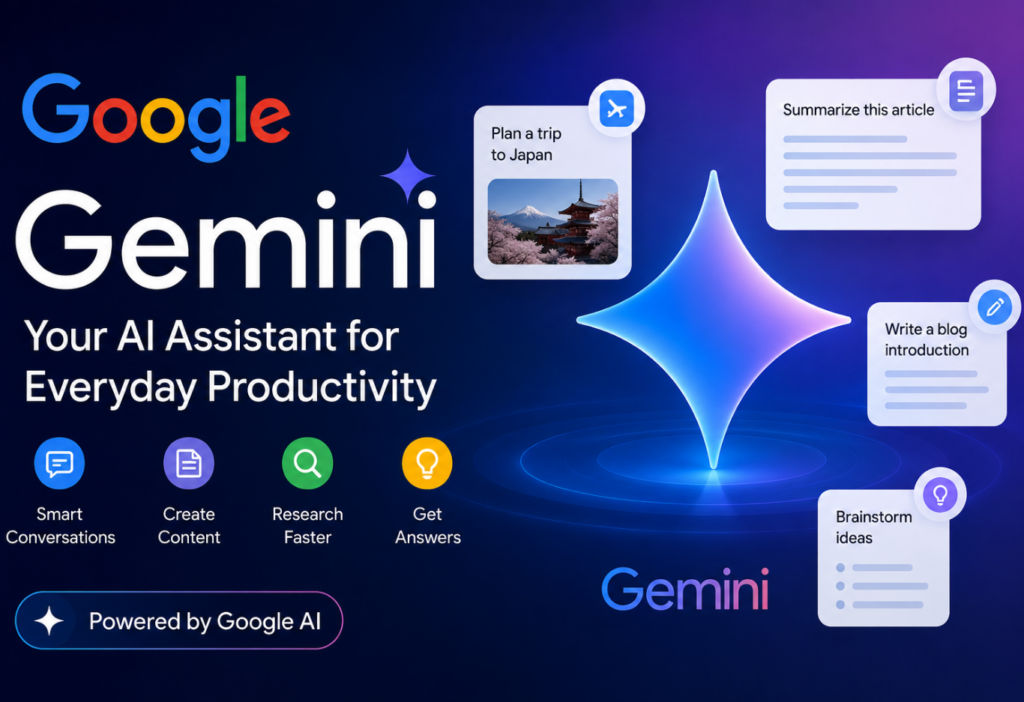
Google Gemini is an AI-powered assistant that helps users write content, conduct research, analyze information, generate ideas, create images, assist with coding, and improve productivity. Unlike standalone AI tools, Gemini is deeply integrated into Google Workspace applications, allowing users to access AI features directly within Gmail, Docs, Sheets, Slides, and Meet. (Google Help)
Key Features of Google Gemini
1. AI-Powered Research
Gemini can search, analyze, and summarize information quickly. Its Deep Research capabilities help users gather information from multiple sources and create detailed reports. (Gemini)
2. Content Creation
Users can generate blog posts, articles, social media content, marketing copy, and business documents within seconds. Gemini also helps improve grammar, tone, and readability. (Google Workspace)
3. Gmail Integration
Gemini can draft emails, summarize email threads, suggest replies, and help users communicate more efficiently without leaving Gmail. (TechCrunch)
4. Google Docs Assistance
Users can create reports, summaries, outlines, and professional documents directly within Google Docs using AI-powered suggestions. (TechCrunch)
5. Google Sheets Support
Gemini helps analyze data, create formulas, organize spreadsheets, and generate insights from large datasets. (Google Help)
6. Coding Assistance
Developers can use Gemini for code generation, debugging, explaining code, and software development tasks. (Android Central)
7. Image and Video Generation
Gemini supports AI-powered image creation, image editing, and video generation through Google’s latest AI models. (Gemini)
8. Gemini Live
Users can have real-time voice conversations with Gemini, making interactions more natural and conversational. (Gemini)
Best Uses of Google Gemini
- Research and information gathering
- Content writing
- Email drafting
- Google Workspace productivity
- Coding and programming
- Learning and education
- Data analysis
- Business documentation
- Meeting preparation
- Presentation creation
- Marketing content generation
Pros of Google Gemini
Excellent Google Integration
Gemini works seamlessly with Gmail, Docs, Sheets, Slides, Meet, and Drive, allowing users to access AI features directly inside their workflow. (Google Help)
Strong Research Capabilities
Its Deep Research tools can collect, summarize, and organize information efficiently. (Gemini)
Free Version Available
Google offers a free Gemini plan that provides access to core AI features for everyday use. (Gemini)
Multi-Modal Capabilities
Gemini can understand text, images, audio, and video, making it a versatile AI assistant. (Android Central)
Productivity Boost
Built-in AI features help users save time by automating repetitive tasks and generating content quickly. (Google Workspace)
Cons of Google Gemini
Advanced Features Require Paid Plans
Features such as higher usage limits, advanced AI models, expanded storage, and premium Workspace integrations require paid subscriptions. (Gemini)
Workspace Limitations
Some users report that certain Workspace integrations and spreadsheet-editing capabilities are still evolving compared with expectations. (Reddit)
Can Occasionally Produce Incorrect Information
Like all AI systems, Gemini may sometimes generate inaccurate responses, so important information should be verified independently.
Best Experience Within Google Ecosystem
Users who primarily use Microsoft or other productivity platforms may not benefit as much from Gemini’s strongest integrations.
Pricing
Free Plan
- Access to Gemini AI
- Basic content generation
- Research assistance
- Image generation features
- Limited usage access
Paid Plans
Google currently offers AI Plus, AI Pro, and AI Ultra plans with increased usage limits, premium models, Workspace integration, larger cloud storage, and advanced AI features. Pricing varies by region. (Gemini)
Final Verdict
Google Gemini is one of the best AI tools for users who already depend on Google’s ecosystem. Its seamless integration with Gmail, Google Docs, Google Sheets, Drive, and other Workspace applications makes it an excellent choice for productivity, research, learning, and content creation. While some advanced features require paid plans, the free version provides enough functionality for most beginners to explore the power of AI. (Google Help)
3. Claude – Best for Long-Form Writing
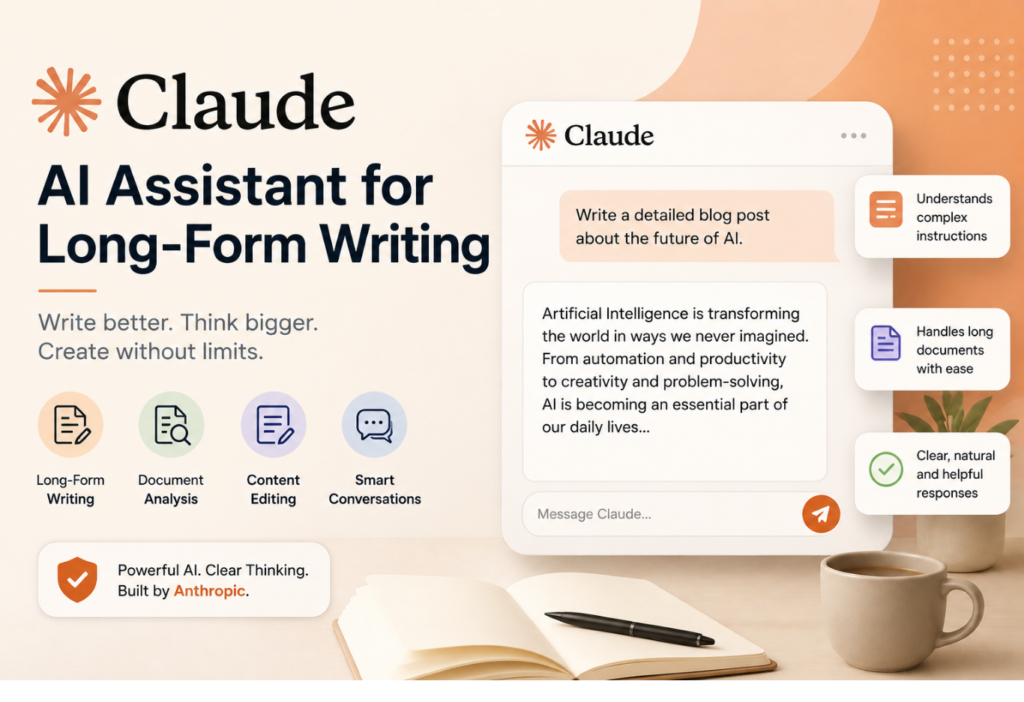
Claude is one of the leading AI assistants available today and is especially popular among writers, bloggers, researchers, and business professionals. Developed by Anthropic, Claude is designed to understand complex instructions, analyze large amounts of information, and generate high-quality content with a natural writing style.
What makes Claude stand out is its ability to handle long conversations and lengthy documents without losing context. Whether you need a detailed blog post, an in-depth report, or help editing a large document, Claude can deliver accurate and well-structured results. Many content creators prefer Claude because its writing often feels more human-like and requires less editing than other AI tools.
Best Uses
- Article Writing
- Blog Post Creation
- Report Creation
- Research Assistance
- Document Analysis
- Content Editing
- Proofreading
- Business Documentation
- Academic Writing
- Content Summarization
Key Features
Long Context Window: Claude can process and understand large documents, making it ideal for long-form content projects.
High-Quality Writing: It produces clear, natural, and engaging content suitable for blogs, reports, and professional documents.
Document Upload Support: Users can upload PDFs, Word files, and other documents for analysis, summarization, and content extraction.
Instruction Following: Claude is excellent at understanding detailed prompts and maintaining consistency throughout a project.
Research Assistance: It can help organize information, summarize findings, and generate structured reports.
Pros
✔ Excellent writing quality
✔ Handles long documents effectively
✔ Natural and human-like responses
✔ Strong document analysis capabilities
✔ Easy to understand and use
✔ Great for bloggers, writers, and researchers
✔ Supports file uploads and document review
✔ Useful for professional and academic work
Cons
✘ Daily limits on the free plan
✘ Advanced features require a paid subscription
✘ May occasionally provide inaccurate information
✘ Limited integrations compared to some competitors
Pricing
Free Plan
- Basic access to Claude AI
- Suitable for casual users and beginners
- Includes limited daily usage
Pro Plan
- Higher usage limits
- Faster response times
- Access to advanced AI models
- Better performance for heavy users
Final Verdict
If your primary goal is creating long-form content, Claude is one of the best AI tools available in 2026. Its ability to generate high-quality writing, understand complex instructions, and analyze lengthy documents makes it a valuable assistant for writers, students, marketers, and professionals. While the free plan has some limitations, Claude remains an excellent choice for anyone who regularly works with detailed content and large documents.
4. Perplexity AI – Best for Research
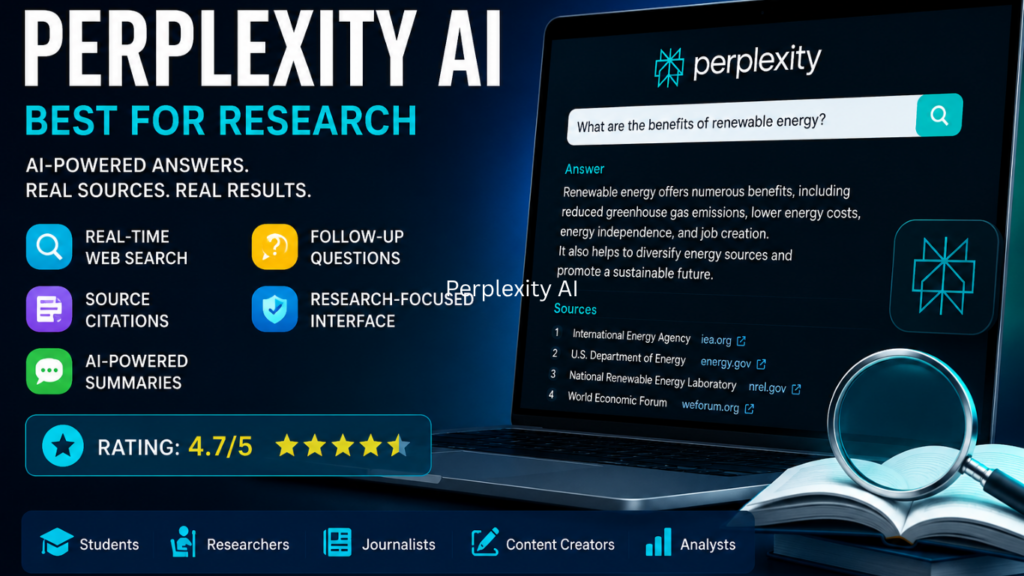
Perplexity AI has quickly become one of the most popular AI-powered research tools available today. Unlike traditional search engines that provide a list of links, Perplexity AI delivers direct answers to user questions while citing the sources used to generate those answers. This unique approach saves time and helps users verify information more easily.
Whether you are a student, researcher, content creator, business professional, or journalist, Perplexity AI can significantly improve the research process. By combining artificial intelligence with real-time web search, it provides accurate, up-to-date information from trusted sources across the internet.
One of the biggest advantages of Perplexity AI is transparency. Every answer includes source references, allowing users to check the original information and confirm its accuracy. This makes it particularly useful for academic work, fact-checking, market research, and industry analysis.
Best Uses
- Research Projects
- Fact-Checking
- Academic Writing
- Industry Analysis
- Market Research
- News Summaries
- Content Creation
- Learning New Topics
- Competitive Research
- Data Collection
Key Features
Real-Time Web Search
Perplexity AI searches the internet in real time to provide the latest information instead of relying only on pre-trained knowledge.
Source Citations
Every answer includes references to the websites used, helping users verify information quickly.
AI-Powered Summaries
It can summarize lengthy articles, reports, and web pages into concise and easy-to-understand insights.
Follow-Up Questions
Users can continue conversations and ask follow-up questions without starting a new search.
Research-Focused Interface
The platform is designed specifically for information gathering and knowledge discovery.
Pros
✔ Provides source references with answers
✔ Fast and accurate research capabilities
✔ Easy to verify information
✔ Real-time web access
✔ Great for students and researchers
✔ User-friendly interface
✔ Saves time compared to traditional search engines
✔ Free plan available
Cons
✘ Limited advanced features on the free plan
✘ Some premium AI models require a paid subscription
✘ May occasionally cite less authoritative sources
✘ Not ideal for highly creative writing projects
Pricing
Free Plan
- Basic AI search and research features
- Access to source citations
- Limited daily usage
Pro Plan
- Access to advanced AI models
- Faster responses
- More powerful research capabilities
- Higher usage limits
Final Verdict
If your primary goal is research, fact-checking, and finding reliable information quickly, Perplexity AI is one of the best AI tools available in 2026. Its combination of AI-generated answers and source citations makes it far more efficient than traditional search engines for many tasks. While the free version has some limitations, it remains an excellent choice for students, professionals, content creators, and anyone who regularly conducts online research.
Rating: ⭐ 4.7/5
Best For: Researchers, Students, Journalists, Content Creators, Analysts, and Professionals who need fast, reliable information with verifiable sources.
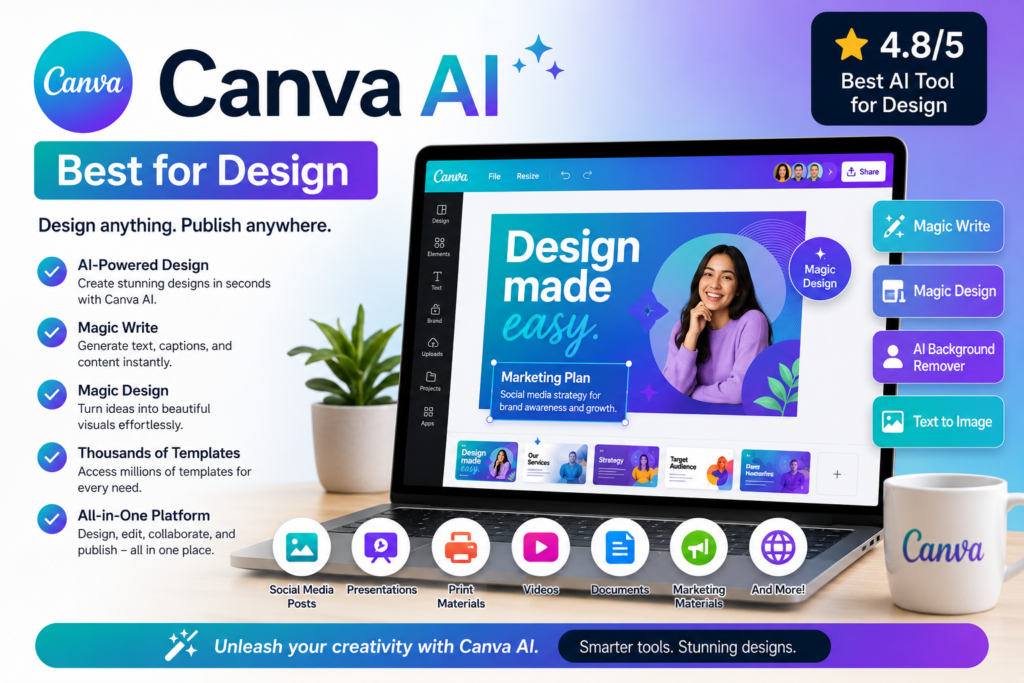
5. Canva AI – Best for Design
Grammarly is one of the most popular AI-powered writing assistants in the world. It helps users improve grammar, spelling, punctuation, clarity, tone, and overall writing quality. Whether you’re writing emails, blog posts, reports, academic papers, or social media content, Grammarly can help make your writing more professional and error-free.
Over the years, Grammarly has evolved from a simple grammar checker into a comprehensive AI writing assistant. It now provides suggestions for sentence rewrites, tone adjustments, content generation, and writing enhancement. This makes it valuable for students, professionals, content creators, and businesses.
One of Grammarly’s biggest strengths is its ability to provide real-time feedback while you write. The tool works across browsers, desktop applications, Microsoft Office, Google Docs, and mobile devices.
Best Uses
- Grammar Checking
- Proofreading
- Email Writing
- Blog Editing
- Academic Writing
- Business Communication
- Content Creation
- Resume Writing
- Professional Documents
- Social Media Content
Key Features
Grammar and Spelling Correction
Automatically identifies and corrects grammar, punctuation, and spelling mistakes.
Writing Suggestions
Improves sentence structure, readability, and writing clarity.
Tone Detection
Analyzes writing tone and helps users communicate more effectively.
AI Writing Assistance
Generates content ideas, rewrites sentences, and enhances text quality.
Plagiarism Checker
Checks content against online sources to identify potential plagiarism.
Cross-Platform Support
Works with browsers, Microsoft Word, Google Docs, and mobile devices.
Pros
✔ Excellent grammar correction
✔ Easy to use
✔ Real-time writing feedback
✔ Improves clarity and readability
✔ Helpful tone suggestions
✔ Works across multiple platforms
✔ Great free version
✔ Saves time during editing
Cons
✘ Advanced features require a premium plan
✘ AI writing tools are limited on free accounts
✘ Suggestions may occasionally sound repetitive
✘ Premium plans can be expensive for some users
Pricing
Free Plan
- Basic grammar and spelling checks
- Writing suggestions
- Tone detection
Premium Plan
- Advanced grammar checks
- Clarity improvements
- Full AI writing assistance
- Plagiarism detection
Final Verdict
Grammarly remains one of the best AI tools for improving writing quality in 2026. Its powerful grammar checking, writing enhancement features, and AI-powered suggestions make it an essential tool for students, professionals, bloggers, and businesses. If you want error-free and professional writing, Grammarly is a must-have productivity tool.
Rating: ⭐ 4.8/5
Best For: Students, Bloggers, Content Writers, Professionals, Businesses, and Anyone Looking to Improve
6. Grammarly – Best for Writing Improvement
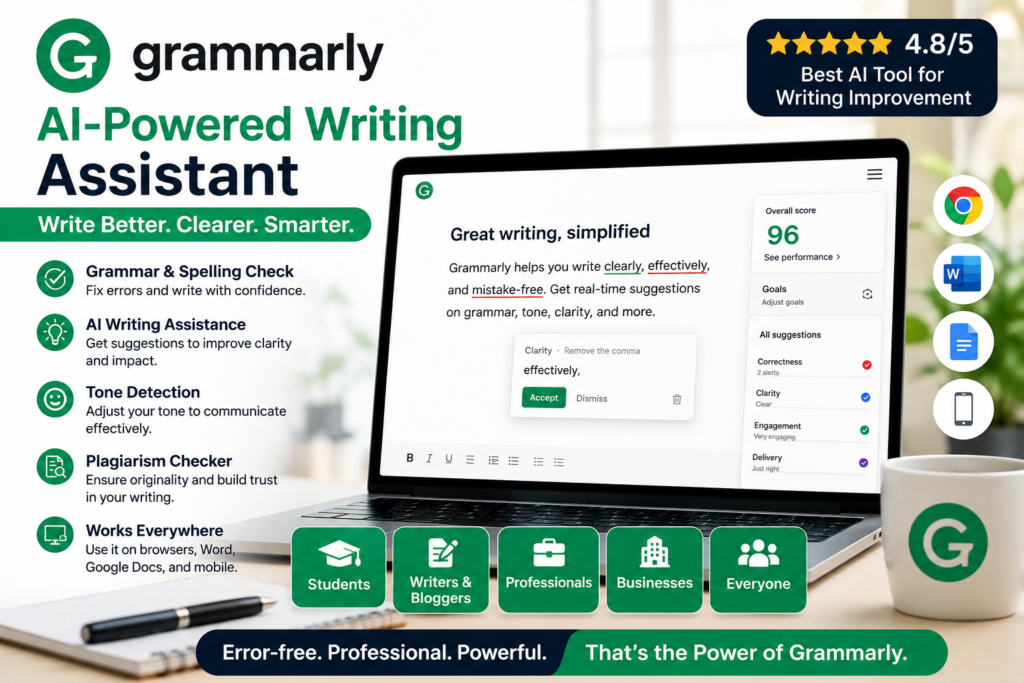
Writing clear, professional, and error-free content is essential for students, bloggers, marketers, business professionals, and content creators. Grammarly is one of the most trusted AI-powered writing assistants that helps users improve their writing instantly. It goes beyond simple grammar and spell checking by offering suggestions for clarity, tone, readability, engagement, and overall writing quality.
Since its launch, Grammarly has become a popular tool for millions of users worldwide. Whether you’re writing emails, blog posts, academic papers, business reports, social media posts, or marketing content, Grammarly helps ensure your writing is polished and professional.
One of Grammarly’s biggest advantages is its real-time feedback system. As you type, the AI analyzes your content and provides suggestions to correct mistakes and improve sentence structure. This saves time during editing and helps users become better writers over time.
Best Uses
- Grammar Checking
- Proofreading
- Blog Writing
- Email Writing
- Academic Writing
- Business Communication
- Resume Creation
- Content Editing
- Social Media Content
- Marketing Copywriting
Key Features
1. Advanced Grammar and Spell Checking
Grammarly automatically detects grammar mistakes, punctuation errors, spelling issues, and sentence structure problems. It provides instant corrections and explanations, helping users learn from their mistakes.
2. Writing Clarity Suggestions
The AI identifies complex or confusing sentences and suggests simpler alternatives. This helps improve readability and ensures your message is easy to understand.
3. Tone Detection
Grammarly analyzes the tone of your writing and identifies whether it sounds professional, friendly, confident, formal, or casual. This feature is particularly useful for business communication and customer interactions.
4. AI Writing Assistant
With AI-powered writing tools, Grammarly can generate content ideas, rewrite paragraphs, shorten text, expand content, and improve overall writing quality.
5. Plagiarism Detection
Premium users can check content against billions of web pages and academic sources to identify potential plagiarism issues before publishing.
6. Cross-Platform Integration
Grammarly works seamlessly across multiple platforms, including:
- Google Chrome
- Microsoft Word
- Google Docs
- Gmail
- Outlook
- Desktop Applications
- Android and iOS Devices
This allows users to improve their writing wherever they work.
Benefits of Using Grammarly
- Improves writing quality
- Reduces grammar mistakes
- Saves editing time
- Enhances professionalism
- Increases readability
- Helps non-native English speakers write confidently
- Improves communication skills
- Supports content creation workflows
Pros
✔ Excellent grammar and spelling correction
✔ Easy to use for beginners
✔ Real-time writing suggestions
✔ Improves clarity and readability
✔ Powerful AI writing assistance
✔ Effective tone detection
✔ Works on multiple platforms
✔ Helpful for students and professionals
✔ Strong plagiarism detection tools
✔ Great free plan for everyday writing
Cons
✘ Advanced AI features require a premium subscription
✘ Free version has limited functionality
✘ Some suggestions may occasionally change intended meaning
✘ Premium plans can be expensive for individual users
✘ Internet connection required for most features
Pricing
Free Plan
- Grammar checking
- Spelling corrections
- Basic writing suggestions
- Tone detection
- Browser extension support
Premium Plan
- Advanced grammar suggestions
- Full clarity improvements
- Vocabulary enhancement
- AI-powered rewriting tools
- Plagiarism checker
- Advanced tone adjustments
Business Plan
- Team management tools
- Style guides
- Brand tone consistency
- Advanced collaboration features
Who Should Use Grammarly?
Students: Improve essays, assignments, and research papers.
Bloggers: Create polished and professional content before publishing.
Content Writers: Reduce editing time and improve content quality.
Business Professionals: Write better emails, reports, and presentations.
Freelancers: Deliver error-free work to clients.
Marketing Teams: Maintain consistent and professional brand communication.
Final Verdict
Grammarly remains one of the best AI tools for writing improvement in 2026. Its powerful grammar checking, AI writing assistance, tone analysis, and readability enhancements make it an essential productivity tool for anyone who writes regularly. Whether you’re a student, blogger, freelancer, or business professional, Grammarly can help you create clearer, more professional, and more engaging content.
Rating: ⭐ 4.8/5
Best For: Students, Bloggers, Content Writers, Freelancers, Marketers, Business Professionals, and Anyone Looking to Improve Their Writing Skills..
7. Notion AI – Best for Productivity
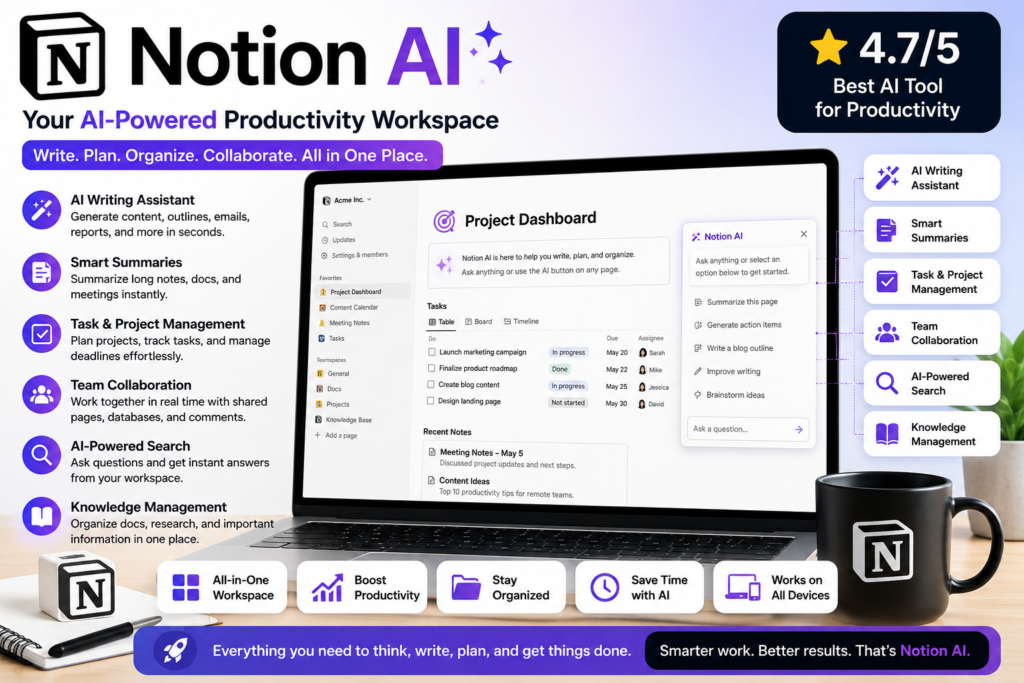
Notion AI is a powerful productivity tool that combines note-taking, project management, document creation, and artificial intelligence into a single workspace. Built into the popular Notion platform, Notion AI helps users organize information, automate repetitive tasks, generate content, and improve team collaboration.
Whether you are a student managing study notes, a freelancer tracking client projects, a content creator planning articles, or a business owner organizing operations, Notion AI can help streamline your workflow. By integrating AI directly into your workspace, it eliminates the need to switch between multiple apps for writing, planning, and organization.
One of the biggest advantages of Notion AI is its ability to summarize long documents, generate content ideas, create meeting notes, and answer questions based on information stored within your workspace. This makes it an excellent tool for improving productivity and knowledge management.
Best Uses
- Note-Taking
- Project Management
- Content Planning
- Team Collaboration
- Meeting Notes
- Task Management
- Knowledge Management
- Document Creation
- Research Organization
- Business Planning
Key Features
AI Writing Assistant
Generate blog outlines, emails, reports, meeting summaries, and other content directly within Notion.
Smart Summaries
Quickly summarize lengthy documents, meeting notes, and project updates to save time.
Task and Project Management
Track projects, deadlines, and team responsibilities in a centralized workspace.
Knowledge Base Creation
Store and organize important information, company documents, and research materials.
Team Collaboration
Collaborate with team members in real time through shared documents, databases, and workspaces.
AI-Powered Search
Find information faster by asking questions and receiving intelligent answers from your workspace content.
Pros
✔ Organized all-in-one workspace
✔ AI-powered summaries and content generation
✔ Excellent for productivity and planning
✔ Strong project management features
✔ Great collaboration tools
✔ Flexible and customizable
✔ Works for individuals and teams
✔ Available on desktop, web, and mobile devices
Cons
✘ Limited free AI usage
✘ Advanced AI features require a paid plan
✘ Can feel overwhelming for new users
✘ Some features have a learning curve
Pricing
Free Plan
- Basic note-taking and workspace features
- Limited AI usage
- Suitable for personal use and beginners
Plus Plan
- More storage and collaboration features
- Better workspace management
- Suitable for freelancers and small teams
Business & Enterprise Plans
- Advanced collaboration tools
- Enhanced security and administration controls
- Ideal for growing businesses and large organizations
Final Verdict
Notion AI is one of the best productivity tools available in 2026. Its combination of note-taking, project management, collaboration, and AI-powered assistance makes it an excellent choice for students, freelancers, content creators, startups, and businesses. If you want a single platform to organize your work, manage projects, and improve productivity, Notion AI is a fantastic solution.
Rating: ⭐ 4.7/5
Best For: Students, Freelancers, Content Creators, Teams, Startups, and Business Owners looking to boost productivity and stay organized.
How to Choose the Right AI Tool
If you’re just starting:
- Choose ChatGPT for general tasks.
- Choose Gemini if you use Google products.
- Choose Claude for writing.
- Choose Perplexity for research.
- Choose Canva AI for design.
- Choose Grammarly for writing improvement.
- Choose Notion AI for productivity.
Start with one tool and learn it well before trying multiple platforms. Many experienced users recommend building familiarity gradually rather than trying everything at once.
Final Thoughts
AI tools are becoming essential for students, freelancers, bloggers, entrepreneurs, and professionals. The good news is that you don’t need to spend money to start benefiting from AI.
For most beginners, ChatGPT, Gemini, Claude, Perplexity, Canva AI, Grammarly, and Notion AI provide everything needed to improve productivity, create content, and learn new skills.
The best strategy is simple: pick one tool, use it daily, and gradually expand your AI toolkit as your needs grow. With the right approach, these free AI tools can save hours of work every week and help you stay competitive in the digital world.
2 thoughts on “Best Free AI Tools for Beginners in 2026: A Complete Guide”